Silent Shark How to Use the TDC
Turn hydrophone and periscope data into torpedo hits with the Torpedo Data Computer and Position Keeper.
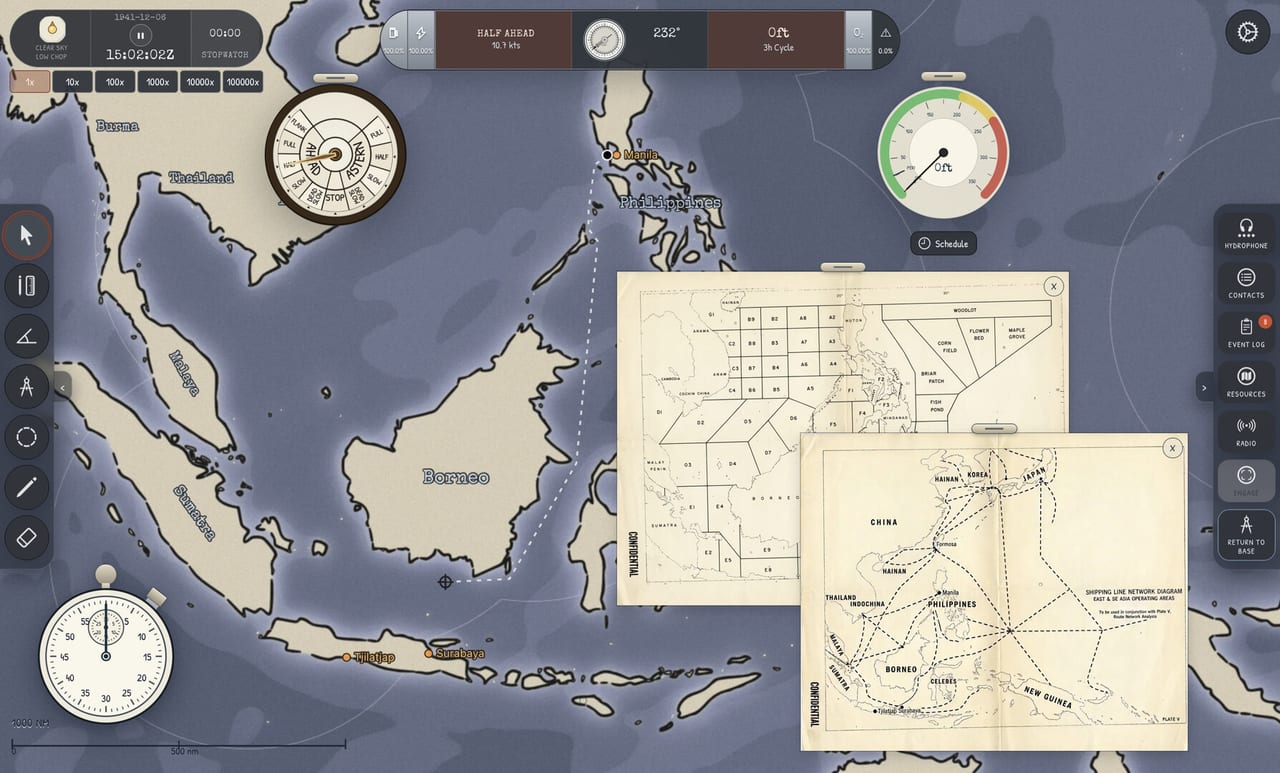
The Torpedo Data Computer (TDC) is Silent Shark’s attack brain. Every hydrophone bearing, periscope glimpse, and stadimeter range cut exists to feed this instrument. This guide explains how to use the TDC and Position Keeper from first contact through salvo commit, matching the Advanced Tutorial video on this page and the mechanics planned for the August 12, 2026 full release.
The TDC is not an autopilot. It calculates firing geometry from your inputs — angle-on-bow (AoB), target speed, target bearing, and target distance — then suggests gyro angle and timing for each tube. Garbage inputs produce confident-looking solutions that miss by hundreds of meters.
TDC inputs and where they come from
| Input | Typical source | Refresh when |
|---|---|---|
| Target bearing | Hydrophone + chart plot | Every few minutes |
| Target speed | Four bearings / plot | Target turns or speed change |
| AoB | Periscope or chart geometry | Before final commit |
| Range | Stadimeter or plot estimate | Every periscope look |
Read Four Bearings and Stadimeter Range before expecting consistent hits. The TDC math works; player data entry is the usual failure point.
Position Keeper workflow
- Enter baseline solution when you have a workable speed and range.
- Enable Position Keeper so the TDC updates as your submarine moves along the intercept track.
- Watch solution drift — if drift spikes, pause the attack and re-observe rather than firing on a stale cut.
- Match torpedo settings — depth, impact mode, and speed type if applicable to scenario rules.
The Position Keeper shines on broadside shots where small range errors matter less than on bow shots. Against sharp AoB targets, prioritize fresh stadimeter range over rushing tubes.
Gyro angle and tube preparation
Each torpedo tube has a gyro angle set from the TDC output. Walk the firing box procedure modeled in-game:
- Select tube and confirm door state.
- Flood the tube — audible and may affect stealth if escorts are close.
- Set gyro to TDC indication; verify left/right sense.
- Choose spread if firing a salvo — spread compensates for slight solution error and target length.
Flooding early feels proactive but alerts destroyers practicing passive listening. Flood when you are committed, not when you first reach periscope depth. See Attack Checklist for ordering.
Salvo vs single shot
Single torpedoes preserve inventory and noise signature — ideal in demo scenarios with limited reload windows. Salvos increase hit probability against long merchants or when solution quality is mediocre. Silent Shark lets you configure spread width; tighter spread demands better range.
In convoy attacks, lead escorts may turn toward your bearing on first explosion whether you fired one fish or four. Plan egress before firing, not after — Evading Destroyers covers the next five minutes.
AoB nuances
AoB describes how the target crosses your line of sight:
- Small AoB (bow/stern shots) — torpedo run is long; speed errors hurt more.
- Large AoB (beam shots) — shorter run, forgiving on speed, demanding on range timing.
Use the periscope to classify AoB when chart plot speed is uncertain. Updating AoB without updating speed is a common miss pattern.
Integration with chart work
Keep the chart open on a second monitor or quick-switch key. Your intended firing bearing should match the TDC’s predicted impact geometry. If the chart says you are early to the intercept, delay flooding; if late, consider an off-track snapshot shot with higher spread — risky against escorts.
Map Tools explains ruler and angle helpers that translate visually to TDC numbers.
Demo limitations vs full game
The demo includes full TDC, gyro, spread, and salvo controls for tutorials and encounters. The full game adds campaign torpedo scarcity and boat-specific tube counts — see Submarine Classes — but the TDC interface remains the same. Training in demo now directly transfers.
Practice drills
- Static merchant in scenario generator — focus on Position Keeper drift at periscope depth.
- Turning target — update speed after course change before re-flooding.
- Night + rain — shorter periscope looks, wider initial spread, earlier egress.
After three clean hits without tutorial prompts, read First Patrol to chain TDC work into a complete sortie. Instrument reference detail lives on TDC Systems page.
Frequently Asked Questions
Quick answers to the most common Silent Shark questions.
What does Position Keeper do in Silent Shark?
It continuously updates the firing solution as your submarine moves, so gyro angle and impact point stay aligned with your intercept track — provided speed, range, and AoB inputs stay current.
Why do my torpedoes miss with a stable TDC solution?
Usually stale range or target speed after a turn. Re-observe with the periscope and stadimeter, update inputs, then re-flood — see [Stadimeter Range](/guides/stadimeter-range/).
When should I flood torpedo tubes?
When you are committed to firing within a minute or two. Early flooding adds noise and gives escorts a hint something is hunting nearby.