Silent Shark TDC and Position Keeper
The Torpedo Data Computer — how Silent Shark turns estimates into gyro angles and impact timing.
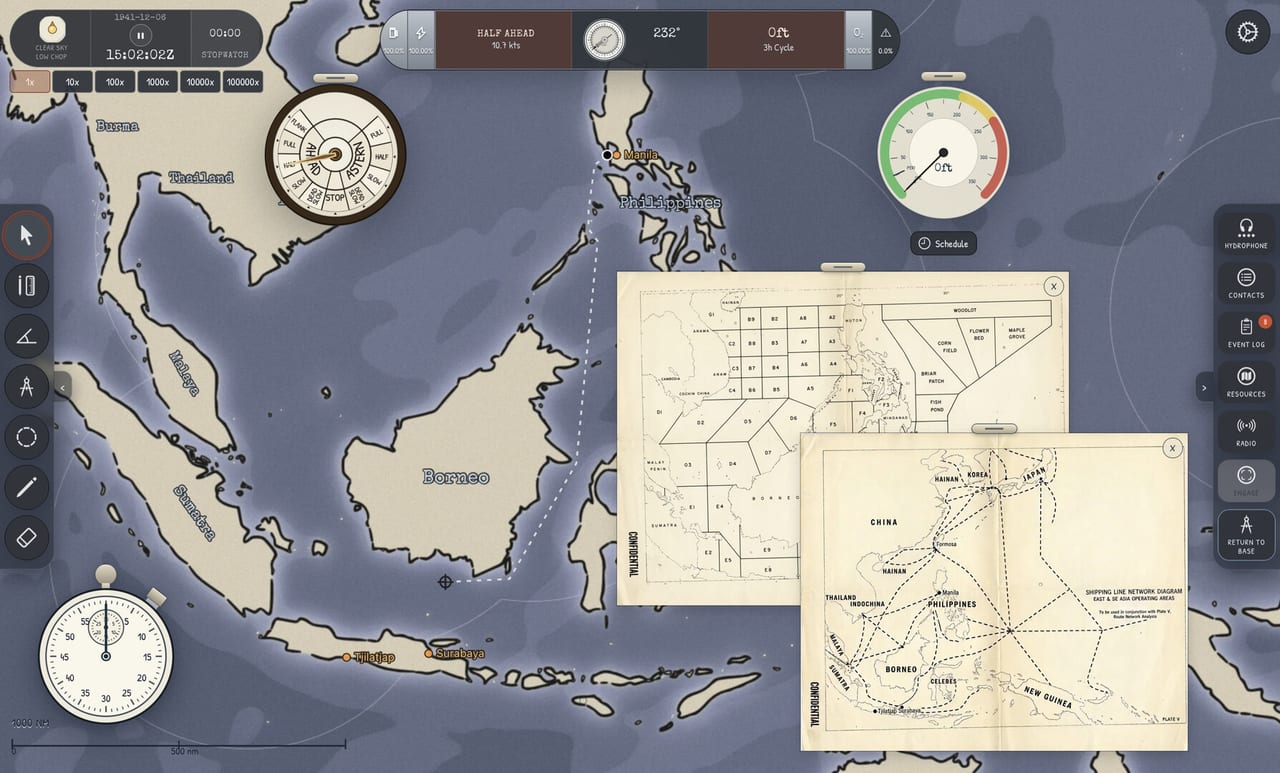
The Torpedo Data Computer (TDC) in Silent Shark is a playable replica of the WWII fire-control problem: given target motion and your own motion, compute torpedo gyro settings so the weapon arrives where the hull will be. The Position Keeper continuously updates that solution as you maneuver. This systems page documents instrument behavior in detail; procedural walkthroughs with video live in How to Use the TDC.
Silent Shark does not abstract fire control into a single “fire” button. The TDC is the payoff for hydrophone bearings, map plotting, and periscope observations.
Instrument layout
The TDC station presents fields for target bearing, target speed, angle-on-bow (AoB), and target range, alongside own-ship data fed from navigation. Output indicators include recommended gyro angle per tube and firing readiness cues tied to the firing box interface.
Inputs are manual — Silent Shark does not auto-radar ranges. That design choice defines the game: your job is observation, not button mash. The UI recently gained space when demo patches moved tutorial text left — more room for instruments during learning.
What each input really means
Target bearing is the direction to the contact from your submarine at the moment of observation, not the course the target steers. Confusing bearing with target heading produces elegant gyro numbers that miss by miles.
Target speed comes from plotting, not guesswork. If your four bearings plot says twelve knots, entering fifteen because the merchant “looks fast” creates false confidence.
AoB describes how the target crosses your line of sight — small AoB for bow/stern shots, large AoB for beams. Periscope confirmation beats chart inference when contacts turn.
Range at periscope depth should come from stadimeter cuts when possible. Plot-derived range is acceptable early in learning; campaign resources punish wasted fish on plot-only guesses.
Position Keeper behavior
When enabled, the Position Keeper recalculates impact point as:
- Your submarine changes course or speed on the intercept leg.
- Target track updates from new hydrophone bearings or periscope observations.
- Time advances toward torpedo run duration limits.
If you disable updates and maneuver aggressively, solution drift spikes — a visual warning to re-observe before firing. Watch drift for thirty sim seconds before flooding tubes; if it widens, refresh inputs.
Firing box and tubes
Tube controls include flood, gyro set, spread, and salvo launch patterns modeled after period practice. Each tube has state (dry/flooded/fired) visible on the station. Noise from flooding integrates with escort AI — see Evading Destroyers.
Gyro angle sense matters: left vs right errors mirror misses. Double-check against TDC needle after every speed change.
Spread converts one solution into a pattern — tighter spread needs better range. Salvos increase hit probability at torpedo cost.
Solution quality checklist
Before flood:
- Speed updated after last target turn?
- Range from fresh stadimeter look?
- AoB matches periscope snapshot?
- Position Keeper stable thirty seconds?
- Egress route already on chart?
Use Attack Checklist until automatic.
Data quality dependencies
| Input | Primary source |
|---|---|
| Bearing | Hydrophone + chart |
| Speed | Four Bearings |
| Range | Stadimeter |
| AoB | Periscope / geometry |
Weak data at any row breaks the chain. The TDC display can look stable while wrong if speed was never updated after a target zig.
Miss diagnosis
| Symptom | Likely cause |
|---|---|
| Miss long | Overestimated range / wrong mast height |
| Miss wide | Stale AoB or gyro sense error |
| Premature detonation | Depth setting vs draft mis-match |
| Hit escort not merchant | Wrong bearing tracked in convoy |
Demo vs full game
Demo includes full TDC and Position Keeper for tutorials and encounters. August 12, 2026 full release adds campaign torpedo counts and boat-specific tube layouts via Submarine Classes without changing core TDC math.
Related pages
- How to Use the TDC — player tutorial with video.
- Attack Checklist — commit sequence.
- Periscope — AoB and ID for TDC snapshots.
- Stations workflow — when to visit TDC in the loop.
Building a trustworthy solution under pressure
Treat the TDC like a living document, not a one-time form. After every new hydrophone bearing or periscope cut, ask which of the four inputs changed. Range drifts fastest when you close at an angle; speed drifts when the target zigs; AoB drifts whenever your geometry relative to the bow changes. Update the weakest field first, then glance at the Position Keeper to see whether the predicted impact point jumped wildly. Wild jumps usually mean you typed a bearing relative to true north when the station expected relative bearing — or the reverse.
Practice a verbal checklist aloud in demo encounters: “Bearing from chart, speed from track, AoB from scope, range from stadimeter.” If any phrase is a guess, do not flood tubes yet. Flooding commits noise and torpedo inventory; Silent Shark’s escorts listen for that commitment.
Gyro windows and spread discipline
The firing box models gyro angle limits. A mathematically pretty solution that demands an illegal gyro is not a solution — it is a cue to reposition. Prefer a slightly longer run with a legal gyro over a heroic short-range shot that paints your location. Spreads help against speed error; they do not fix a twenty-degree AoB blunder. Use narrow spreads on high-confidence single merchants and wider patterns when convoy zig uncertainty is high.
Training drills for the TDC
- Replay Advanced Tutorial once while writing every input on paper.
- On a standalone single-ship encounter, deliberately enter a wrong speed by two knots and watch the miss.
- Correct only speed and fire again — feel how the Position Keeper recovers.
- Repeat with a wrong AoB so you learn miss signatures.
Those drills make How to Use the TDC stick. Pair them with the attack checklist before convoy weather scenarios.
Full-release inventory pressure
After August 12, mid-patrol torpedo counts matter. Every wasted fish is a reputation and resource cost across campaign resources. Demo encounters forgive experimentation; career patrols punish it. Build the habit now so 1.0 does not retrain you under aircraft threat and limited reload opportunities.
Frequently Asked Questions
Quick answers to the most common Silent Shark questions.
Does Silent Shark automate TDC inputs?
No. You enter and refresh target data from hydrophone, chart, and periscope observations. The Position Keeper updates solutions from those entries as you move.
What is gyro angle on the TDC?
The offset angle the torpedo steers after launch so it intercepts the target track. The TDC displays recommended gyro for each tube based on your inputs.
Is the TDC different in campaign mode?
Interface and math are the same. Campaign adds torpedo scarcity and boat-specific tube numbers, not a separate fire-control mini-game.